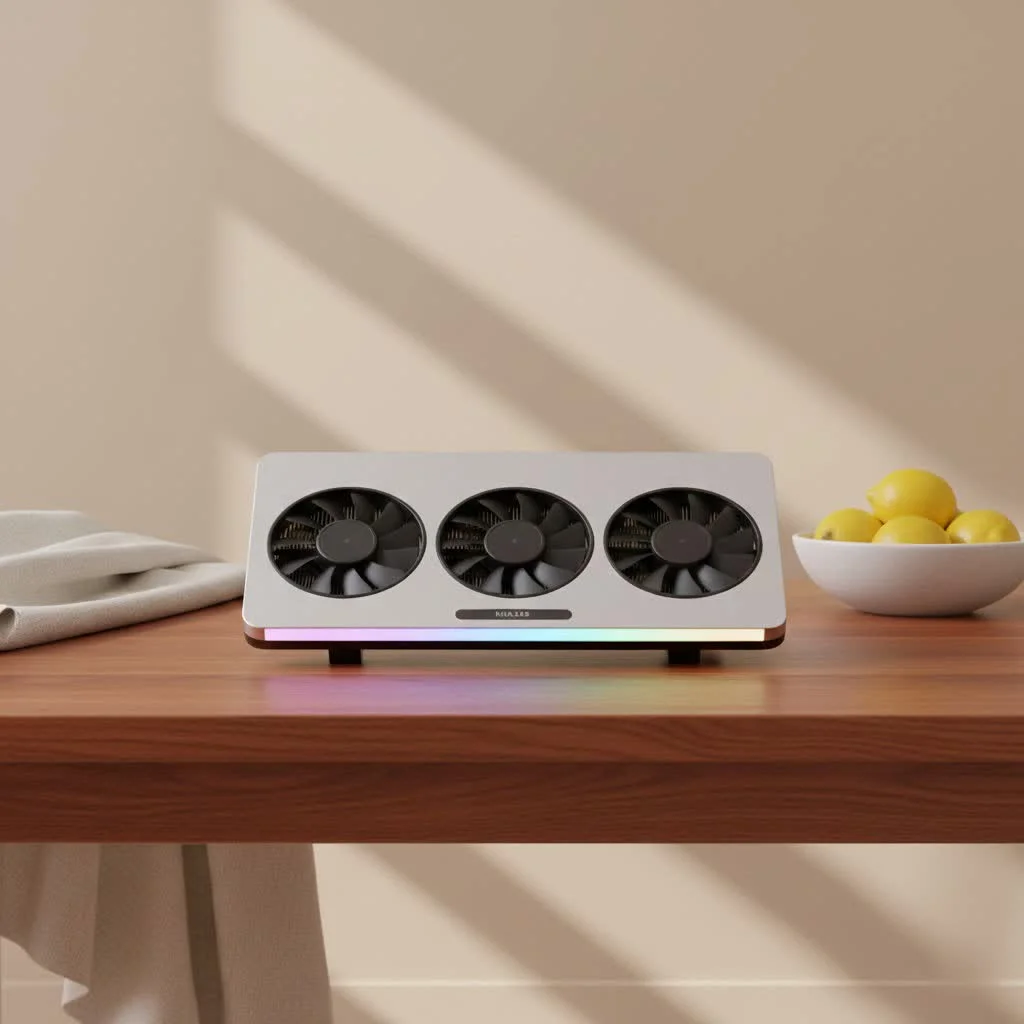
Laptop coolers genuinely work, especially advanced sealed-chamber designs like the IETS GT series, which can reduce CPU and GPU temperatures by 10-20°C during heavy loads. This significant temperature drop prevents thermal throttling, allowing laptops to maintain higher clock speeds and stable frame rates, thereby improving overall performance and extending component lifespan.
Why Your Laptop Needs a Cooling Hand
When your laptop’s CPU and GPU get too hot, they automatically “throttle” their performance to prevent damage. This thermal throttling leads to slower speeds, frustrating lag, and a less enjoyable experience. Beyond performance, prolonged exposure to excessive heat can shorten the lifespan of your laptop’s internal components and lead to premature wear and tear.
Why does my gaming laptop get so hot when playing?Gaming laptops often push their hardware to the limit, demanding peak performance from powerful CPUs and GPUs packed into relatively thin chassis. This intense workload generates significant heat. Without proper cooling, components can quickly reach high temperatures, leading to reduced performance (thermal throttling) and noisy internal fans working overtime to dissipate heat.
The Great Debate: Cooling Pads – Gimmick or major upgrade?
The question “Do laptop coolers actually work?” is a perennial favorite on Reddit, sparking lively debates. For years, many believed cooling pads were largely ineffective, doing little more than providing elevation. However, the consensus among experienced Redditors has shifted, especially with the advent of more advanced designs. While some generic, low-powered pads might offer minimal benefits, a specific category of coolers has consistently earned high praise for making a noticeable difference.
Do laptop cooling pads actually help with temperatures?Absolutely, certain laptop cooling pads, particularly those with a sealed chamber design, can significantly reduce laptop temperatures, often by 5-15°C, preventing thermal throttling and improving performance during demanding tasks.
Understanding Different Types of Laptop Coolers (Reddit’s Top Picks)
The Reddit community isn’t shy about naming names when it comes to effective laptop cooling. They’ve identified distinct categories, each with its own pros and cons.
The Game Changers: Blower/Sealed Chamber Coolers
These are the heavy hitters that consistently receive glowing reviews on subreddits like r/GamingLaptops. Models like the IETS GT series (GT500/GT600) and Llano V12/V13 frequently come up as top recommendations. What makes them different?
- How They Work: Unlike traditional pads that simply blow air upwards, these coolers create a sealed chamber around your laptop’s intake vents, effectively acting as an external, high-powered fan. They force a concentrated stream of cool air directly into your laptop’s existing cooling system, maximizing airflow.
- Reported Impact: Users consistently report substantial temperature drops, often in the range of 10-20°C for both CPU and GPU during heavy loads. This translates directly into sustained higher clock speeds and stable frame rates.
- Pros: Exceptional cooling performance, significant reduction in thermal throttling, improved stability during intense use.
- Cons: They can be quite noisy at higher fan speeds (many users recommend headphones), they tend to be bulkier, and their price point is generally higher than basic pads. Some users also mention potential need for minor modifications to fit certain laptop designs perfectly. The Razer Laptop Cooling Pad is another premium option in this category, often highlighted for its adaptive smart cooling and RGB integration, though its price is a frequent point of discussion against its IETS/Llano counterparts.
The Everyday Boosters: Traditional Fan Pads
These are the more common, often more affordable, multi-fan cooling pads. While they might not offer the dramatic temperature drops of the sealed-chamber designs, they still have their place.
- How They Work: They provide a raised surface and one or more fans to circulate air beneath the laptop.
- Reported Impact: Users report modest temperature improvements, typically around 2-5°C, primarily due to improved ambient airflow.
- Pros: Generally more affordable, readily available, provides elevation for better ergonomics. Models like Havit and Topmate are sometimes mentioned as decent budget options, as is the Cooler Master Notepal X3 for a noticeable improvement over cheap alternatives.
- Cons: Less effective at directly impacting internal component temperatures, especially if your laptop’s intake vents aren’t optimally positioned or if the pad’s fans lack sufficient static pressure.
The Minimalist’s Friend: Laptop Stands
Sometimes, the simplest solution is surprisingly effective. A basic laptop stand that elevates your machine can significantly improve airflow.
- How They Work: By lifting the laptop off a flat surface (like a desk or lap), these stands allow your laptop’s built-in fans to draw in air more easily.
- Reported Impact: Users often observe a 2-8°C temperature drop from just elevation alone, preventing the bottom vents from being choked.
- Pros: Very affordable (sometimes even free, with creative solutions like bottle caps!), improves ergonomics, no power required.
- Cons: No active cooling, limited impact compared to fan-powered solutions.
Choosing the Right Cooler for Your Laptop (Reddit’s Wisdom)
|
Our Picks for the Best Laptop Cooler in 2026
As an Amazon Associate I earn from qualifying purchases.
|
||
| Num | Product | Action |
|---|---|---|
| 1 | Kootek Laptop Cooling Pad, Laptop Cooler with 5 Quiet Fans for 12\"-17\" Computer PC Notebook Gaming Laptop Fan, Height Adjustable Laptop Cooling Stand Laptop Accessories, Blue |

|
| 2 | Laptop Cooling Pad, Laptop Cooler 6 Quiet Fans for 12\"-17\" Laptops, Gaming Laptop Fan Cooling Pad with 5 Height Adjustable, Slim Portable USB Powered, 2 USB Ports & Phone Holder |
|
| 3 | llano V12 RGB Laptop Cooling Pad, Gaming Laptop Cooler with 5.5 Inch Powerful Turbofan, Fast Cooling Laptop 15.6-21in, Adjustable Speed, Touch Control, LCD Screen, Black (RGB) |
|
| 4 | Razer Laptop Cooling Pad: Adaptive Smart - Intelligent Fan Control - Airtight Pressure Chamber - Fits Most Laptops & Macbooks 14” to 18\" - Preset & Custom Fan Curves - 3 Port USB Type A - Chroma RGB |
|
| 5 | llano V12 Laptop Cooling Pad, Gaming Laptop Cooler Stand with 5.5inch Powerful Turbo Fan, Adjustable Speed, Touch Control, 3-Port USB A, for Fast Cooling Laptop 15.6-19in, Black (No RGB) |
|
| 6 | KeiBn Laptop Cooling Pad, Gaming Laptop Cooler 2 Fans for 10-15.6 Inch Laptops, 5 Height Stands, 2 USB Ports (S039) |
|
| 7 | havit HV-F2056 15.6\"-17\" Laptop Cooler Cooling Pad - Slim Portable USB Powered (3 Fans), Black/Blue |
|
| 8 | Laptop Cooling Pad, Gaming Laptop Cooler for 13-19 Inch Laptops, RGB Lights Laptop Fan Cooling Pad with 3 Height Adjustable and 3 USB Ports, 4.72 Inch Large Turbo Fan, Max 3500RPM |
|
| 9 | AICHESON Laptop Cooling Pad 5 Fans Up to 17.3 Inch Heavy Notebook Cooler, Blue LED Lights, 2 USB Ports, S035, Blue-5fans |
|
| 10 | ChillCore Laptop Cooling Pad, RGB Lights Laptop Cooler 9 Fans for 15.6-19.3 Inch Laptops, Gaming Laptop Fan Cooling Pad with 8 Height Stands, 2 USB Ports - A21 Blue |
|
Navigating the world of laptop coolers means understanding your specific needs. Reddit threads often circle back to these crucial factors:
- Laptop Vent Design: This is paramount. If your laptop has prominent intake vents on the bottom, especially towards the rear or center, a sealed-chamber cooler like the IETS or Llano will likely be very effective. If your laptop’s design primarily relies on side or rear vents, a cooling pad’s impact might be limited.
- Your Use Case: Are you a hardcore gamer pushing your machine to its limits, or do you mostly browse and do light work? Intensive tasks warrant a more powerful cooling solution.
- Noise Tolerance: High-performance cooling often comes with audible fans. If silence is golden for you, you’ll need to balance cooling power with noise levels, perhaps opting for models with adjustable fan speeds or relying more on external factors.
- Budget: While an IETS GT600 might cost you over $100, the performance gains are often considered worth the investment for serious users. More budget-conscious options still exist, providing some relief without breaking the bank.
Beyond the Pad: Maximizing Your Laptop’s Cooling
While a good laptop cooler can be a significant ally, it’s part of a broader thermal management strategy. Reddit threads frequently bring up these essential complementary steps:
- Clean Your Laptop: Dust is the enemy of cooling. Regularly clean your laptop’s internal fans and heatsinks. This can be a DIY project for the brave or a task for a professional.
- Repaste Thermal Compound: Over time, the thermal paste between your CPU/GPU and their heatsinks can dry out, losing effectiveness. Replacing it with high-quality thermal paste can dramatically improve heat transfer. This is a more advanced task, but one that many Redditors swear by for restoring thermal performance.
- Undervolting: For those comfortable with technical tweaks, undervolting your CPU and/or GPU can reduce power consumption and heat generation without sacrificing much, if any, performance. Tools like ThrottleStop are often mentioned.
- Environmental Control: A cooler room means a cooler laptop. Using your laptop in an air-conditioned space can help.
- Optimal Placement: Always ensure your laptop is on a hard, flat surface to allow its own fans to breathe. Avoid soft surfaces like blankets or carpets that block vents.
What else can I do to keep my laptop cool besides a cooling pad?Beyond a cooling pad, regularly cleaning your laptop’s internal fans and vents, reapplying high-quality thermal paste, and considering CPU/GPU undervolting (for advanced users) can drastically improve thermal performance. Ensuring your laptop is always on a hard, flat surface and operating in a cool environment also makes a big difference.
Addressing Common Reddit Concerns
The Reddit community is great at pointing out potential pitfalls. Let’s tackle a couple of frequently raised concerns about laptop coolers.
Dust Accumulation
Some users worry that cooling pads might push more dust into the laptop, clogging vents over time. This is a valid concern, particularly for pads without proper filtration. However, many higher-end sealed-chamber coolers like the IETS series now incorporate dust filters to mitigate this. Regardless, regular internal cleaning of your laptop remains the best defense against dust.
“Counterproductive Airflow”
The idea that external fans can disrupt a laptop’s carefully designed internal airflow is another common point of discussion. For poorly designed, weak cooling pads, this might hold some truth. However, the more effective sealed-chamber designs are specifically engineered to create positive pressure, aiding the laptop’s own intake fans rather than fighting them. They essentially supercharge the airflow, making the laptop’s cooling system more efficient.
Can a laptop cooler damage my laptop?Properly used laptop coolers are generally safe. Concerns about dust can be mitigated by choosing models with integrated filters and regularly cleaning your laptop’s internal components. While some older, poorly designed coolers might have theoretically interfered with airflow, modern sealed-chamber designs are engineered to enhance it by forcing air into the laptop’s intake vents.
Expert Insight: The Tselk.com Perspective
“The transformation in laptop cooling technology has been remarkable,” shares Dr. Elara Vance, lead thermal architect at Tselk.com. “What was once a niche accessory has evolved into an essential tool for maximizing performance and comfort, especially with powerful gaming and workstation laptops. The key is understanding your laptop’s specific thermal design and pairing it with a cooler that truly complements its airflow, rather than just adding ambient breeze.”
Final Thoughts: Cool Down, Power Up
The Reddit community, with its diverse experiences and candid discussions, paints a clear picture: laptop coolers are far from a gimmick. For many users, especially those pushing their machines with demanding applications or games, a well-chosen laptop cooler is an invaluable investment. By integrating a high-performance cooling pad, keeping your laptop clean, and understanding your machine’s thermal behavior, you can unlock sustained performance, extend component life, and enjoy a much cooler, quieter computing experience.
So, don’t let those “screaming fans” get the best of you. Head over to Tselk.com for more in-depth reviews and guides, and join the ranks of users who have discovered the power of effective laptop cooling. Your laptop, and your lap, will thank you for it!
Frequently Asked Questions
How much can a good laptop cooler reduce my laptop's temperature?
A high-performance laptop cooler, particularly a sealed-chamber design like the IETS GT series, can reduce CPU and GPU temperatures by 10-20u00b0C during heavy loads. This significant drop helps prevent thermal throttling and maintains optimal performance.
What are the main types of laptop coolers recommended by Reddit users?
Reddit users primarily recommend three types: blower/sealed-chamber coolers (e.g., IETS GT series) for significant temperature drops, traditional fan pads for modest improvements (2-5u00b0C), and simple laptop stands for basic elevation and airflow enhancement (2-8u00b0C).
Can a laptop cooling pad cause dust to accumulate inside my laptop?
While some basic cooling pads might contribute to dust accumulation, many higher-end sealed-chamber coolers, such as the IETS series, incorporate dust filters to mitigate this. Regular internal cleaning of your laptop remains the best defense against dust buildup.
Besides a cooling pad, what other methods can keep my laptop cool?
Beyond a cooling pad, you can improve laptop cooling by regularly cleaning internal fans and vents, reapplying high-quality thermal paste, considering CPU/GPU undervolting, and ensuring the laptop is on a hard, flat surface in a cool environment.
Why do gaming laptops get so hot during intense use?
Gaming laptops generate significant heat because their powerful CPUs and GPUs operate at peak performance within compact chassis. This intense workload can quickly raise temperatures, leading to thermal throttling and noisy fans if not properly managed.
Choosing the Right Laptop Cooler
Select the best laptop cooler by considering your laptop's vent design, your primary use case, noise tolerance, and budget to maximize cooling performance.
Identify if your laptop has prominent intake vents on the bottom. Sealed-chamber coolers are most effective for bottom-vented laptops, while side or rear vents may limit a cooling pad's impact.
Consider if you are a hardcore gamer or perform intensive tasks. Demanding applications warrant a more powerful cooling solution, such as a blower-style cooler, for optimal performance.
High-performance cooling often involves audible fans. If silence is important, balance cooling power with noise levels by choosing models with adjustable fan speeds or relying on other environmental factors.
Decide how much you are willing to spend. While premium coolers like the IETS GT600 offer significant performance gains for over $100, more budget-conscious options can still provide some thermal relief.
Get our weekly buyer guide
Practical specs, not advice. Unsubscribe anytime.

I picked up a basic cooling pad after hearing about how they can extend component lifespan. It does keep my laptop a bit cooler, but I haven’t seen the dramatic 10-20°C drop mentioned for more advanced designs. It’s fine for light use, but for heavy loads, I still experience some throttling. I guess you get what you pay for with the cheaper models.
My old MacBook Pro always felt like it was going to melt when I was editing videos. The constant thermal throttling was making my workflow a nightmare. This cooler has really helped prevent that. While it doesn’t completely eliminate all heat, it significantly reduces the CPU temperature, allowing me to render videos much faster without slowdowns. Big improvement for productivity.
I was skeptical about laptop coolers, but after reading about the IETS GT series, I decided to give it a try. My gaming laptop used to get so hot during long sessions that it would lag like crazy. Now, with this cooler, I’ve noticed a solid 15°C drop in my GPU temps, and the frame rates are much more stable. It’s definitely worth the investment for serious gamers.
This cooler is a game-changer! My laptop used to hit critical temps during intense coding sessions, causing it to slow down considerably. Since getting this, my laptop maintains higher clock speeds consistently. It’s amazing how much difference preventing thermal throttling makes for overall performance. My laptop feels brand new again.