In our fast-paced digital world, our laptops are often our constant companions, working tirelessly through countless tasks. But as they work harder, they generate heat, and too much heat can spell trouble: slow performance, unexpected shutdowns, and even a shortened lifespan for your beloved device. This is where the unsung hero, the Stand Cooler Laptop – or as it’s often known, a cooling stand or cooling pad – steps in. As a thermal engineer with over a decade of experience in keeping laptops frosty, I’m here to tell you that these aren’t just accessories; they’re essential tools for maintaining optimal performance and comfort.
What Exactly is a Stand Cooler Laptop?
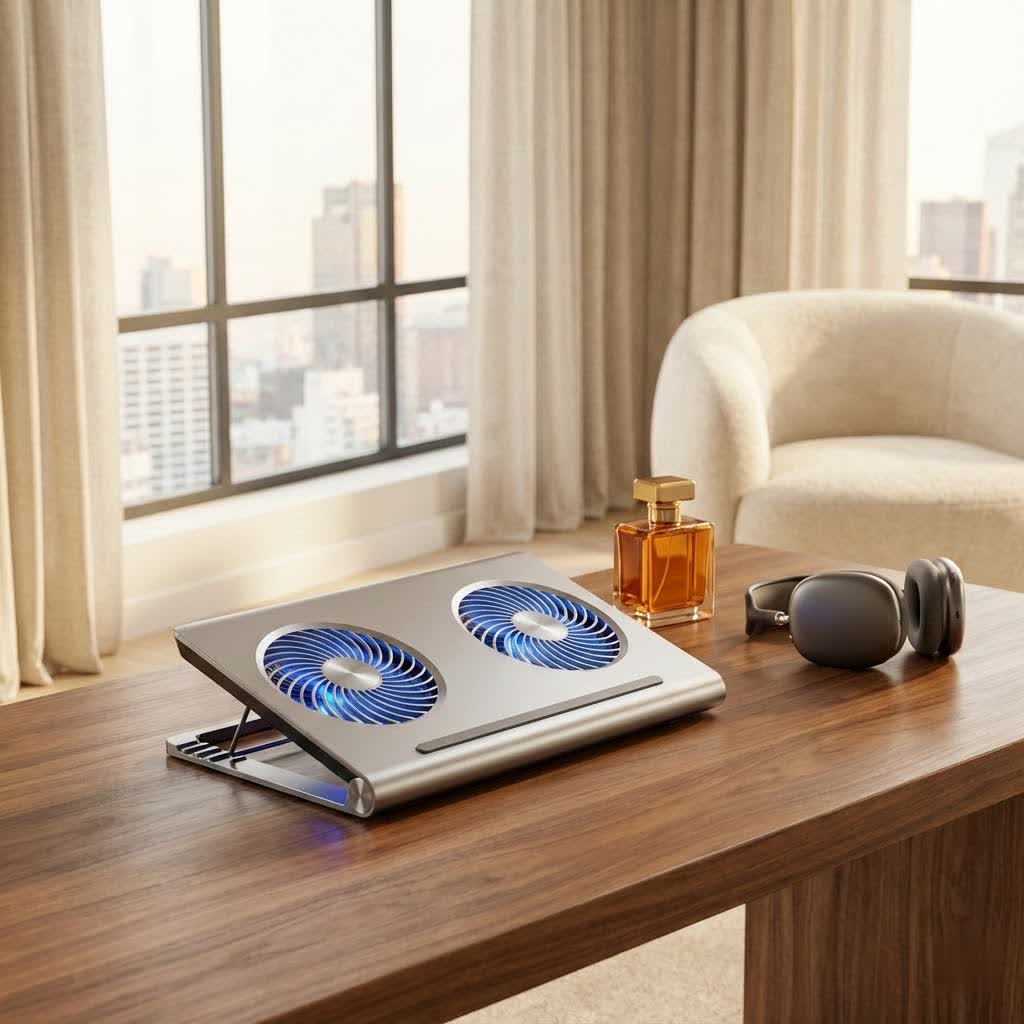
At its core, a stand cooler laptop is a device designed to improve your laptop’s thermal management. While a basic laptop stand simply elevates your machine for better ergonomics, a stand cooler takes it a step further, actively working to dissipate heat. Think of it as giving your laptop a much-needed breath of fresh air, or even a personal air conditioning unit.
How do these clever devices actually work their magic? It boils down to a few key principles:
- Elevated Airflow (Passive Cooling): Even the simplest stand cooler lifts your laptop off flat surfaces. This crucial elevation creates space underneath, allowing hot air, which naturally rises, to escape more efficiently from your laptop’s vents. Simultaneously, it makes it easier for your laptop’s internal fans to draw in cooler ambient air. This passive airflow alone can make a noticeable difference, especially if you often use your laptop on soft surfaces like beds or couches that block vents.
- Forced Airflow (Active Cooling): Many stand coolers, often called cooling pads, come equipped with built-in fans – sometimes one large one, sometimes an array of smaller ones. These fans actively blow cool air towards your laptop’s underside, targeting critical heat-generating components like the CPU and GPU. This forced air accelerates the heat exchange process, pulling heat away from your laptop’s chassis. Some advanced models might even feature powerful blowers that create a focused stream of air, or vacuum-style coolers that attach to your laptop’s side vents to pull hot air out.
- Thermally Conductive Materials: Certain stand coolers utilize materials like aluminum or even advanced graphene layers. These materials are excellent heat conductors, absorbing heat from your laptop’s base and radiating it away into the surrounding environment. This method can provide effective cooling even without active fans, relying on material science to keep things cool.
Most active stand coolers draw their power from one of your laptop’s USB ports. Some thoughtfully include extra USB ports, acting as a mini-hub, so you don’t lose precious connectivity.
Why Your Laptop Needs a Cooling Partner: The Benefits Unpacked
Investing in a high-quality stand cooler laptop offers a cascade of benefits, transforming your computing experience:
Enhanced Performance & Longevity
|
Our Picks for the Best Laptop Cooler in 2026
As an Amazon Associate I earn from qualifying purchases.
|
||
| Num | Product | Action |
|---|---|---|
| 1 | ChillCore Laptop Cooling Pad, RGB Lights Laptop Cooler 9 Fans for 15.6-19.3 Inch Laptops, Gaming Laptop Fan Cooling Pad with 8 Height Stands, 2 USB Ports - A21 Blue |

|
| 2 | havit HV-F2056 15.6\"-17\" Laptop Cooler Cooling Pad - Slim Portable USB Powered (3 Fans), Black/Blue |
|
| 3 | KeiBn Laptop Cooling Pad, Gaming Laptop Cooler 2 Fans for 10-15.6 Inch Laptops, 5 Height Stands, 2 USB Ports (S039) |
|
| 4 | Laptop Cooling Pad, Gaming Laptop Cooler for 13-19 Inch Laptops, RGB Lights Laptop Fan Cooling Pad with 3 Height Adjustable and 3 USB Ports, 4.72 Inch Large Turbo Fan, Max 3500RPM |
|
| 5 | llano V12 RGB Laptop Cooling Pad, Gaming Laptop Cooler with 5.5 Inch Powerful Turbofan, Fast Cooling Laptop 15.6-21in, Adjustable Speed, Touch Control, LCD Screen, Black (RGB) |
|
| 6 | llano V12 Laptop Cooling Pad, Gaming Laptop Cooler Stand with 5.5inch Powerful Turbo Fan, Adjustable Speed, Touch Control, 3-Port USB A, for Fast Cooling Laptop 15.6-19in, Black (No RGB) |
|
| 7 | Laptop Cooling Pad, Laptop Cooler 6 Quiet Fans for 12\"-17\" Laptops, Gaming Laptop Fan Cooling Pad with 5 Height Adjustable, Slim Portable USB Powered, 2 USB Ports & Phone Holder |
|
| 8 | Razer Laptop Cooling Pad: Adaptive Smart - Intelligent Fan Control - Airtight Pressure Chamber - Fits Most Laptops & Macbooks 14” to 18\" - Preset & Custom Fan Curves - 3 Port USB Type A - Chroma RGB |
|
| 9 | AICHESON Laptop Cooling Pad 5 Fans Up to 17.3 Inch Heavy Notebook Cooler, Blue LED Lights, 2 USB Ports, S035, Blue-5fans |
|
| 10 | Kootek Laptop Cooling Pad, Laptop Cooler with 5 Quiet Fans for 12\"-17\" Computer PC Notebook Gaming Laptop Fan, Height Adjustable Laptop Cooling Stand Laptop Accessories, Blue |
|
When your laptop gets too hot, it’s not just uncomfortable; it’s detrimental. Modern processors and graphics cards have built-in safeguards that kick in when temperatures rise too high, a process known as thermal throttling. This means your laptop intentionally slows down to prevent damage, leading to frustrating lag, stuttering, and reduced responsiveness. A stand cooler ensures your laptop runs at optimal, lower temperatures, allowing its components to operate at their full potential, delivering a smoother, faster experience, especially during demanding tasks like gaming, video editing, or complex design work. By reducing this constant thermal stress, you’re also significantly extending the lifespan of your laptop’s internal components. Less heat means less wear and tear, keeping your machine healthy for years to come.
Superior Ergonomics & Comfort
Beyond just cooling, many stand coolers double as ergonomic workstations. By elevating your laptop’s screen to eye level, they help you maintain a more natural posture, reducing the common strains that come with prolonged laptop use. Say goodbye to neck pain, shoulder aches, and even wrist discomfort. This ergonomic improvement is vital for anyone spending long hours in front of their screen. Furthermore, if you’re a fan of using your laptop on your lap, a stand cooler provides a crucial barrier, preventing uncomfortable heat transfer and protecting you from potential “toasted skin syndrome,” a mild but real burn that can result from direct contact with a hot laptop.
Reduced Noise & System Stability
When your laptop is struggling with heat, its internal fans often kick into overdrive, creating a distracting whirring noise that can disrupt your focus. A stand cooler, by providing supplementary cooling, can often reduce the workload on your laptop’s internal fans, allowing them to spin at lower, quieter speeds. This contributes to a more peaceful and productive workspace. Moreover, consistent, lower operating temperatures mean greater system stability, reducing the likelihood of unexpected crashes or freezes that can lead to lost work and frustration.
Exploring the Landscape: Types of Stand Cooler Laptops
The world of stand cooler laptops is diverse, offering solutions for every need and budget:
Simple Elevation Stands (Passive Cooling)
These are often minimalist designs made from aluminum, plastic, or even wood. Their primary function is to lift your laptop, creating that vital air gap underneath. They don’t have fans or active cooling components, relying purely on improved natural convection. They are typically lightweight, portable, and require no power, making them excellent for users who need ergonomic benefits and a slight boost in passive cooling without added noise or power consumption.
Active Cooling Pads (Fans, Blowers)
This category is what most people picture when they hear “stand cooler laptop.” These pads feature one or more integrated fans or blowers powered by USB. They range from large pads with a single massive fan to intricate designs with multiple smaller fans strategically placed. Many offer adjustable fan speeds, allowing you to balance cooling performance with noise levels. Some high-end models even boast RGB lighting for aesthetic appeal, often targeting gamers. These are the go-to choice for users experiencing significant heat issues or those who demand maximum cooling performance.
Specialty Designs
Some innovative stand coolers offer unique features. You might find designs with built-in graphene layers for enhanced heat dissipation, or those with unique fan configurations specifically designed to target certain laptop vent layouts. While less common, these specialty options cater to very specific cooling needs or aesthetic preferences.
Choosing Your Perfect Match: Key Considerations
Selecting the right stand cooler laptop isn’t a one-size-fits-all decision. Here’s what to look for:
- Compatibility: First and foremost, ensure the stand cooler is compatible with your laptop’s size. Most specify a range of screen sizes they support (e.g., 12-inch to 17-inch). For active coolers, consider your laptop’s vent placement. Aligning the cooling pad’s fans with your laptop’s intake vents will maximize cooling efficiency.
- Cooling Power vs. Noise: This is often a trade-off. Powerful fans typically move more air, but they can also generate more noise. If you’re a gamer or heavy user, you might prioritize cooling. If you work in a quiet environment, a quieter, less aggressive cooling solution might be preferable. Many active coolers offer adjustable fan speeds, giving you control over this balance.
- Ergonomic Adjustability: Look for stands that offer multiple height and angle adjustments. This allows you to fine-tune your setup for optimal viewing and typing comfort, significantly reducing strain during long sessions.
- Build Quality & Portability: Consider the materials. Aluminum or metal stands tend to be more durable and can also contribute to passive cooling. If you travel frequently, a lightweight, foldable, and compact design will be a major plus.
- Extra Features: Do you need additional USB ports? Some cooling pads come with integrated USB hubs, which can be incredibly useful, especially if your laptop has limited ports. RGB lighting might be a fun addition for gamers, while built-in phone stands offer added convenience.
Stand vs. Pad: A Deeper Dive
This is a common question: should you opt for a simple laptop stand or a full-fledged cooling pad with fans?
When a simple stand suffices:
If your laptop generally runs cool and you’re primarily concerned with ergonomics and preventing minor heat buildup, a passive elevation stand is often sufficient. It provides better airflow and posture correction without any noise or power draw. For laptops with excellent internal cooling systems, the additional forced airflow from a cooling pad might offer only marginal gains.
When an active cooling pad is a must:
If you own a gaming laptop, perform intensive tasks like video rendering or CAD, or if your laptop consistently runs hot and experiences thermal throttling, an active cooling pad is highly recommended. The forced airflow from fans can significantly reduce temperatures, unlock better performance, and protect your hardware.
As Dr. Elias Thorne, a renowned expert in thermal dynamics, often says, “The difference between a stable system and a struggling one often comes down to just a few degrees Celsius. Active cooling pads provide that crucial edge, allowing components to breathe and perform as intended, rather than constantly fighting against their own heat.”
Maintenance & Best Practices for Optimal Cooling
Even the best stand cooler laptop won’t work effectively if neglected. Here are some tips:
- Regular Cleaning: Dust is the enemy of cooling. Over time, dust can accumulate on your cooling pad’s fans and grilles, impeding airflow. Regularly clean your stand cooler with compressed air or a soft brush.
- Proper Placement: Ensure your laptop’s intake vents are aligned with the cooling pad’s fans for maximum effect. Avoid placing the laptop and stand on soft, uneven surfaces that might block airflow, even with the stand’s elevation.
- Internal Laptop Maintenance: A stand cooler complements your laptop’s internal cooling, but doesn’t replace it. Regularly clean your laptop’s internal fans and vents, and consider reapplying thermal paste every few years for sustained optimal performance.
Frequently Asked Questions
Do all laptops need a stand cooler?
Not necessarily. Laptops with excellent internal cooling systems or those used for light tasks might not strictly need one. However, most laptops, especially during intensive use, can benefit from the improved airflow and ergonomic advantages.
Can a stand cooler damage my laptop?
No, a well-designed stand cooler will not damage your laptop. In fact, by preventing overheating, it helps prolong your laptop’s lifespan. Be sure to use models that draw appropriate power from USB ports.
How much temperature reduction can I expect?
This varies greatly depending on your laptop model, the cooler’s design, and ambient conditions. However, many users report temperature drops of 5-15°C (9-27°F) with effective active cooling pads, which can significantly impact performance and stability.
Are quieter stand coolers effective?
Yes, many modern stand coolers are designed for quiet operation while still providing effective cooling. Look for models with larger fans (which can spin slower while moving more air) or specific noise-reduction technologies.
What’s the ideal fan setup for a cooling pad?
It depends on your laptop’s vent placement. Ideally, the cooling pad’s fans should align with your laptop’s intake vents to maximize cool air delivery. Multi-fan setups offer more versatility in targeting these areas.
Can I use a stand cooler on my lap?
Yes, many stand coolers are designed to be used on your lap, providing both cooling and a stable, ergonomic surface, preventing heat transfer to your legs.
How often should I clean my stand cooler?
It’s a good practice to clean your stand cooler every few months, or more frequently if you live in a dusty environment or have pets.
Conclusion
The stand cooler laptop is far more than just a desk accessory; it’s a critical component in ensuring your laptop runs cooler, faster, and lasts longer. From the subtle benefits of passive elevation to the powerful performance boost of active fan cooling, these devices offer a versatile solution to combat the pervasive problem of laptop heat. By investing in the right stand cooler, you’re not just buying a product; you’re investing in your laptop’s health, your personal comfort, and your overall productivity. Keep your machine cool, keep your workflow smooth, and embrace the power of optimized thermal management.
