Ever felt your laptop getting hotter than a summer sidewalk? That’s your cue. In today’s fast-paced digital world, our laptops are often pushed to their limits, whether we’re gaming, editing videos, or simply juggling a dozen browser tabs. The consequence? Heat. And if left unchecked, this heat can silently chip away at your laptop’s performance and lifespan. That’s where a trusty laptop PC cooler comes into play, acting as your portable device’s personal air conditioning unit.
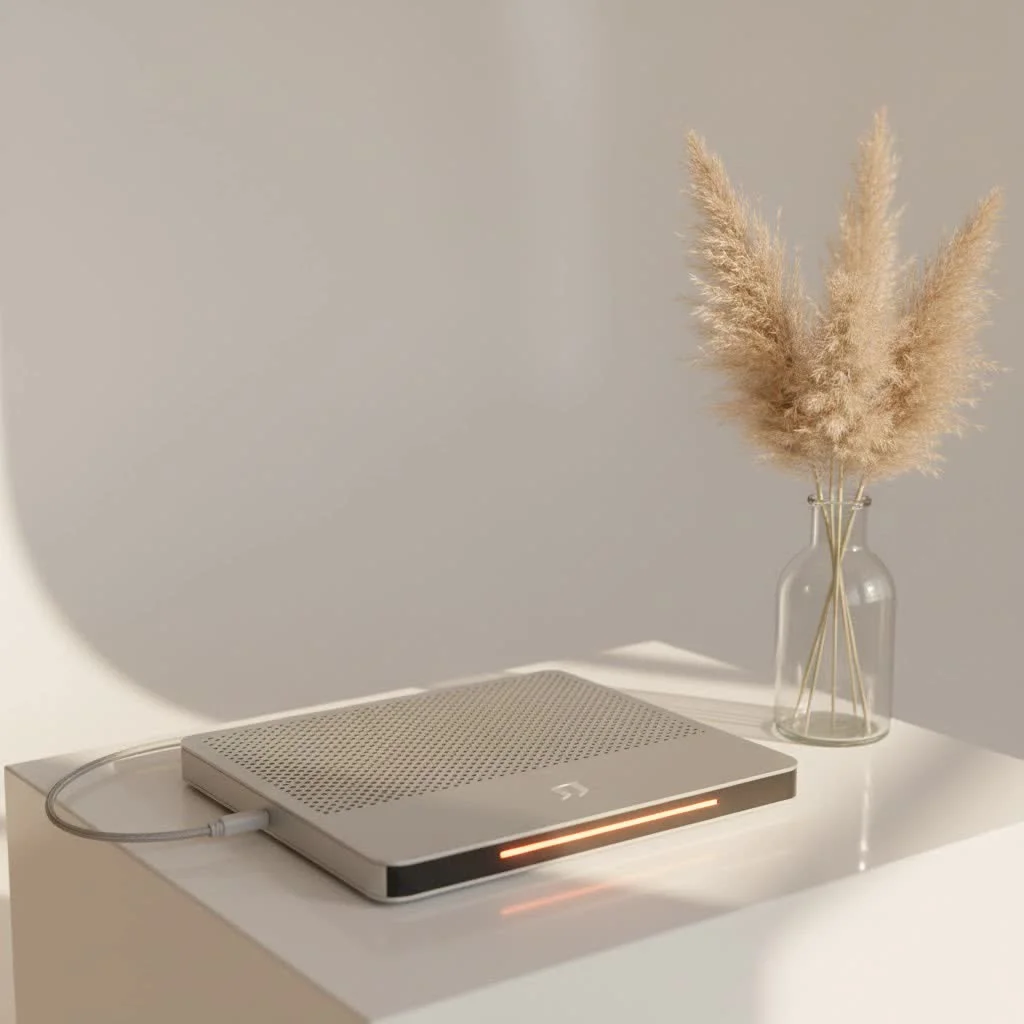
Here at Tselk.com, with over a decade in the trenches of thermal engineering, I’ve seen firsthand how crucial effective cooling is. A laptop PC cooler isn’t just a gadget; it’s an essential investment for anyone serious about their laptop’s health and performance. Let’s dive deep into understanding these cooling champions.
Why Your Laptop Needs a PC Cooler: The Silent Threat of Heat
Imagine pushing your car uphill without enough coolant. Not good, right? Your laptop faces a similar challenge when it’s under heavy load. High temperatures force your CPU and GPU to slow down—a process known as thermal throttling—to prevent damage. This leads to frustrating lag, stuttering, and a noticeable drop in performance. Over time, consistent overheating can even cause irreversible damage to vital components like your motherboard, battery, and storage drives.
But it’s not all doom and gloom! A quality laptop PC cooler steps in to tackle these heat demons head-on. By improving airflow and dissipating heat more efficiently, these devices offer a multitude of benefits:
- Boosted Performance: Say goodbye to thermal throttling. By maintaining lower operating temperatures, your laptop can run at its peak performance for longer, ensuring smoother gaming, faster rendering, and snappier multitasking.
- Extended Lifespan: Heat is the enemy of electronics. A cooler environment means less stress on your laptop’s components, significantly extending its overall lifespan and protecting your investment.
- Enhanced Comfort: Ever tried using a scorching hot laptop on your lap? It’s not pleasant. Coolers provide a barrier and actively cool the underside, making your computing experience far more comfortable, especially during marathon sessions.
- Reduced Noise: When your laptop gets hot, its internal fans kick into overdrive, sounding like a tiny jet engine. A laptop PC cooler helps out, reducing the need for your laptop’s internal fans to work as hard, leading to a quieter operation.
“Many people underestimate the impact of sustained heat on laptop components,” notes Dr. Anya Sharma, a leading expert in portable device thermodynamics. “A well-chosen laptop PC cooler acts as a preventative measure, akin to regular maintenance, that pays dividends in longevity and consistent performance.”
Understanding Laptop PC Coolers: More Than Just a Fan
When we talk about a laptop PC cooler, most people envision a simple pad with fans. While that’s the most common type, the world of laptop cooling is actually a bit more diverse.
Types of Laptop Coolers:
|
Our Picks for the Best Laptop Cooler in 2026
As an Amazon Associate I earn from qualifying purchases.
|
||
| Num | Product | Action |
|---|---|---|
| 1 | llano V12 Laptop Cooling Pad, Gaming Laptop Cooler Stand with 5.5inch Powerful Turbo Fan, Adjustable Speed, Touch Control, 3-Port USB A, for Fast Cooling Laptop 15.6-19in, Black (No RGB) |

|
| 2 | ChillCore Laptop Cooling Pad, RGB Lights Laptop Cooler 9 Fans for 15.6-19.3 Inch Laptops, Gaming Laptop Fan Cooling Pad with 8 Height Stands, 2 USB Ports - A21 Blue |
|
| 3 | havit HV-F2056 15.6\"-17\" Laptop Cooler Cooling Pad - Slim Portable USB Powered (3 Fans), Black/Blue |
|
| 4 | Laptop Cooling Pad, Laptop Cooler 6 Quiet Fans for 12\"-17\" Laptops, Gaming Laptop Fan Cooling Pad with 5 Height Adjustable, Slim Portable USB Powered, 2 USB Ports & Phone Holder |
|
| 5 | Razer Laptop Cooling Pad: Adaptive Smart - Intelligent Fan Control - Airtight Pressure Chamber - Fits Most Laptops & Macbooks 14” to 18\" - Preset & Custom Fan Curves - 3 Port USB Type A - Chroma RGB |
|
| 6 | llano V12 RGB Laptop Cooling Pad, Gaming Laptop Cooler with 5.5 Inch Powerful Turbofan, Fast Cooling Laptop 15.6-21in, Adjustable Speed, Touch Control, LCD Screen, Black (RGB) |
|
| 7 | Kootek Laptop Cooling Pad, Laptop Cooler with 5 Quiet Fans for 12\"-17\" Computer PC Notebook Gaming Laptop Fan, Height Adjustable Laptop Cooling Stand Laptop Accessories, Blue |
|
| 8 | AICHESON Laptop Cooling Pad 5 Fans Up to 17.3 Inch Heavy Notebook Cooler, Blue LED Lights, 2 USB Ports, S035, Blue-5fans |
|
| 9 | Laptop Cooling Pad, Gaming Laptop Cooler for 13-19 Inch Laptops, RGB Lights Laptop Fan Cooling Pad with 3 Height Adjustable and 3 USB Ports, 4.72 Inch Large Turbo Fan, Max 3500RPM |
|
| 10 | KeiBn Laptop Cooling Pad, Gaming Laptop Cooler 2 Fans for 10-15.6 Inch Laptops, 5 Height Stands, 2 USB Ports (S039) |
|
- Cooling Pads (Active Cooling): These are the workhorses of laptop cooling.
- Design: Typically a flat platform, often with an ergonomic tilt, featuring one or more built-in fans.
- How They Work: The fans blow cool air upwards, towards your laptop’s intake vents, or pull hot air away from the bottom surface. Some pads feature a single large fan for wide coverage, while others opt for an array of smaller fans to target specific hot spots.
- Ideal For: General users, gamers, content creators – essentially anyone looking for improved overall thermal management.
- Vacuum Coolers (Targeted Exhaust): These are a bit more specialized.
- Design: Smaller, more compact devices that attach directly to your laptop’s exhaust vents.
- How They Work: They create a powerful suction, actively drawing hot air out of your laptop’s internal cooling system. This direct extraction can be incredibly efficient.
- Ideal For: Laptops with specific hot exhaust points, often favored by serious gamers who need aggressive, targeted cooling.
- Passive Stands (Elevated Airflow): The simplest form of cooling.
- Design: Often just a raised platform or stand, sometimes made of heat-dissipating materials like aluminum.
- How They Work: They lift your laptop off the desk, creating a gap underneath that allows for natural airflow. They don’t have active fans.
- Ideal For: Users with less demanding tasks or those who prioritize ergonomics and minimalistic design over active cooling.
Choosing the Right Laptop PC Cooler for Your Needs: A Deep Dive
Picking the perfect laptop PC cooler isn’t a one-size-fits-all situation. It’s about understanding your laptop, your usage habits, and what truly matters to you.
Compatibility and Size: A Perfect Fit Matters
First things first, ensure the laptop PC cooler is compatible with your laptop’s dimensions. Most coolers are designed for laptops between 12 and 17 inches, but some larger gaming rigs might need a pad that supports up to 19 or even 21 inches. Crucially, check the placement of your laptop’s intake vents and ensure they align with the cooler’s fans for optimal airflow. A cooler with adjustable fan positions can be a huge advantage here.
Cooling Performance Metrics: Powering Down the Heat
This is the heart of any laptop PC cooler. Look beyond just the number of fans.
- Fan Size and RPM: Larger fans can move more air at lower RPMs, often resulting in quieter operation. High RPM (revolutions per minute) fans can provide powerful cooling but might be noisier.
- Airflow (CFM): Cubic Feet per Minute (CFM) measures the volume of air a fan moves. Higher CFM generally means better cooling.
- Static Pressure (mmH2O): This measures how well a fan can push air against resistance. High static pressure is vital if your laptop has restricted intake vents.
- Sealed Design: Some high-performance coolers, like those from IETS or Razer, incorporate foam gaskets or seals to create an airtight chamber. This forces all the air directly into your laptop’s vents, maximizing effectiveness.
Noise Levels: Balancing Power with Peace
A powerful cooler is great, but not if it sounds like a hairdryer constantly running. This is a common trade-off.
Many users, especially in professional environments, opt for cooling pads that strike a balance between performance and quiet operation. Look for models with adjustable fan speeds, allowing you to dial down the noise when you’re just browsing and crank it up during intense gaming.
Portability vs. Power: Where Do You Compute?
- Desk Warriors: If your laptop rarely leaves your desk, a larger, more robust laptop PC cooler with multiple features and maximum cooling power might be ideal.
- On-the-Go Professionals/Students: For those who travel frequently, a slim, lightweight, and easily portable cooler is a better choice. Prioritize designs that fit comfortably into your laptop bag without adding unnecessary bulk.
Build Quality and Ergonomics: Comfort and Durability
A good laptop PC cooler should be sturdy. Look for durable materials like metal mesh and high-quality ABS plastic, which not only last longer but also aid in heat dissipation. Many coolers double as ergonomic stands, offering adjustable height and angle settings. This can significantly improve typing comfort and reduce strain on your wrists, neck, and back during long work or gaming sessions.
Extra Features: The Icing on the Cooling Cake
Modern laptop PC coolers often come with handy extras:
- USB Hubs: Since most coolers draw power from a laptop’s USB port, having built-in USB pass-through ports is a lifesaver, ensuring you don’t lose connectivity.
- RGB Lighting: For the gamers and aesthetic enthusiasts, customizable RGB lighting can add a cool vibe to your setup.
- Fan Speed Controllers: Essential for balancing noise and performance.
- Smartphone Stands: A small but convenient addition for multitasking.
Do Laptop PC Coolers Actually Work? The Science Behind the Chill
This is the million-dollar question, and the answer is a resounding “Yes!”—with a few caveats. Numerous tests and real-world usage confirm that a well-designed laptop PC cooler can make a significant difference.
Studies and user reports frequently show temperature drops ranging from a few degrees Celsius up to 10-15°C under heavy loads. This seemingly small drop can have a profound impact. For instance, a 2024 review found that a quality cooling pad improved average CPU clock speeds by over 21% and boosted FPS in games by around 10% in specific setups. [cite: 5_code_2] This is because lower temperatures allow your CPU and GPU to maintain higher boost clocks without hitting their thermal limits.
However, effectiveness isn’t universal. A laptop PC cooler needs to be appropriate for your laptop’s design. If your laptop has vents on the bottom, a cooling pad blowing air upwards will be highly effective. If your laptop primarily exhausts hot air from the sides or back, a vacuum cooler might be a better choice. The key is to ensure the cooler’s airflow directly interacts with your laptop’s cooling system. Models with effective seals that channel airflow directly are often lauded for their superior performance. [cite: 3_code_3]
Maximizing Your Laptop’s Cooling Potential: Beyond the Cooler
While a laptop PC cooler is a fantastic tool, it’s part of a larger cooling ecosystem. To truly keep your laptop running at its best, consider these additional tips:
- Regular Cleaning: Dust is the arch-nemesis of cooling. Periodically clean your laptop’s internal fans and vents with compressed air to ensure unrestricted airflow. “Think of it like clearing clogged arteries for your laptop,” says Dr. Ethan Cole, a thermal management specialist. “Regular dust removal is non-negotiable for efficient heat dissipation.”
- Proper Placement: Avoid using your laptop on soft surfaces like blankets, pillows, or carpet, as these can block vents and trap heat. Always place it on a hard, flat surface or, better yet, on a laptop PC cooler.
- Thermal Paste Renewal (Advanced): For experienced users, reapplying thermal paste on your CPU and GPU every 1-2 years can significantly improve heat transfer to the heatsinks, especially for gaming or high-performance laptops.
- Software Optimization: Keep your operating system and drivers updated. Close unnecessary background applications that consume CPU resources and generate heat. For advanced users, undervolting your CPU (reducing voltage without sacrificing performance) can reduce heat output.
FAQ: Your Burning Questions Answered
Q: How much can a laptop cooler reduce temperature?
A: The actual temperature reduction varies significantly depending on your laptop model, its internal cooling system, the specific laptop PC cooler used, and the workload. Generally, you can expect a reduction of a few degrees Celsius (3-5°C) for most cooling pads, with some high-performance models showing drops of 10-15°C or more.
Q: Are laptop coolers necessary for all laptops?
A: Not necessarily for every single laptop. For basic tasks like web browsing or word processing on a well-ventilated surface, a cooler might not be critical. However, for gaming laptops, workstations, or any laptop frequently used for intensive tasks (video editing, 3D rendering), a laptop PC cooler is highly recommended to prevent thermal throttling and extend hardware life.
Q: Can a laptop cooler damage my laptop?
A: When used correctly, a laptop PC cooler should not damage your laptop. In fact, it’s designed to protect it. However, improper use, like using a cooler that obstructs your laptop’s exhaust vents, could potentially worsen overheating. Always ensure proper alignment of fans with vents. Also, be mindful of models that might spin internal fans faster than intended if not designed well, though this is rare with reputable brands.
Q: How often should I clean my laptop cooler?
A: It’s a good practice to clean your laptop PC cooler periodically, perhaps once every 1-3 months, especially if you notice dust accumulation. A can of compressed air can quickly clear dust from the fans and mesh, maintaining optimal airflow.
Q: What’s the difference between a cooling pad and a vacuum cooler?
A: A cooling pad typically sits underneath your laptop and uses fans to blow cool air onto the bottom or pull hot air away from it, improving overall ambient airflow. A vacuum cooler, on the other hand, attaches directly to a laptop’s exhaust vent and actively sucks hot air out, providing more targeted and aggressive heat extraction.
Conclusion
In the demanding landscape of modern computing, neglecting your laptop’s thermal health is a recipe for frustration and premature hardware failure. A laptop PC cooler isn’t just an accessory; it’s a vital component in preserving your device’s performance, extending its life, and enhancing your overall computing experience.
By understanding the different types, carefully considering factors like compatibility, cooling power, and noise, and integrating it with smart maintenance habits, you can confidently choose the perfect laptop PC cooler to keep your rig running cool and performing flawlessly. Don’t let heat put a damper on your productivity or playtime. Invest in a quality cooler, and feel the difference!
Get our weekly buyer guide
Practical specs, not advice. Unsubscribe anytime.
