As a seasoned thermal engineer with a decade of experience, I’ve witnessed firsthand how heat can silently sabotage even the most powerful laptops. Whether you’re a hardcore gamer, a creative professional, or someone who simply uses their laptop for hours on end, managing thermals is crucial for performance and longevity. This is where a high-quality laptop cooler steps in, and few brands command the respect of the cooling community quite like Thermaltake. On Tselk.com, we champion effective thermal solutions, and today, we’re diving deep into the world of Thermaltake laptop coolers. This guide will walk you through what makes these coolers a smart investment, help you choose the ideal model for your setup, and offer practical tips to maximize its cooling prowess, ensuring your system stays frosty and responsive.
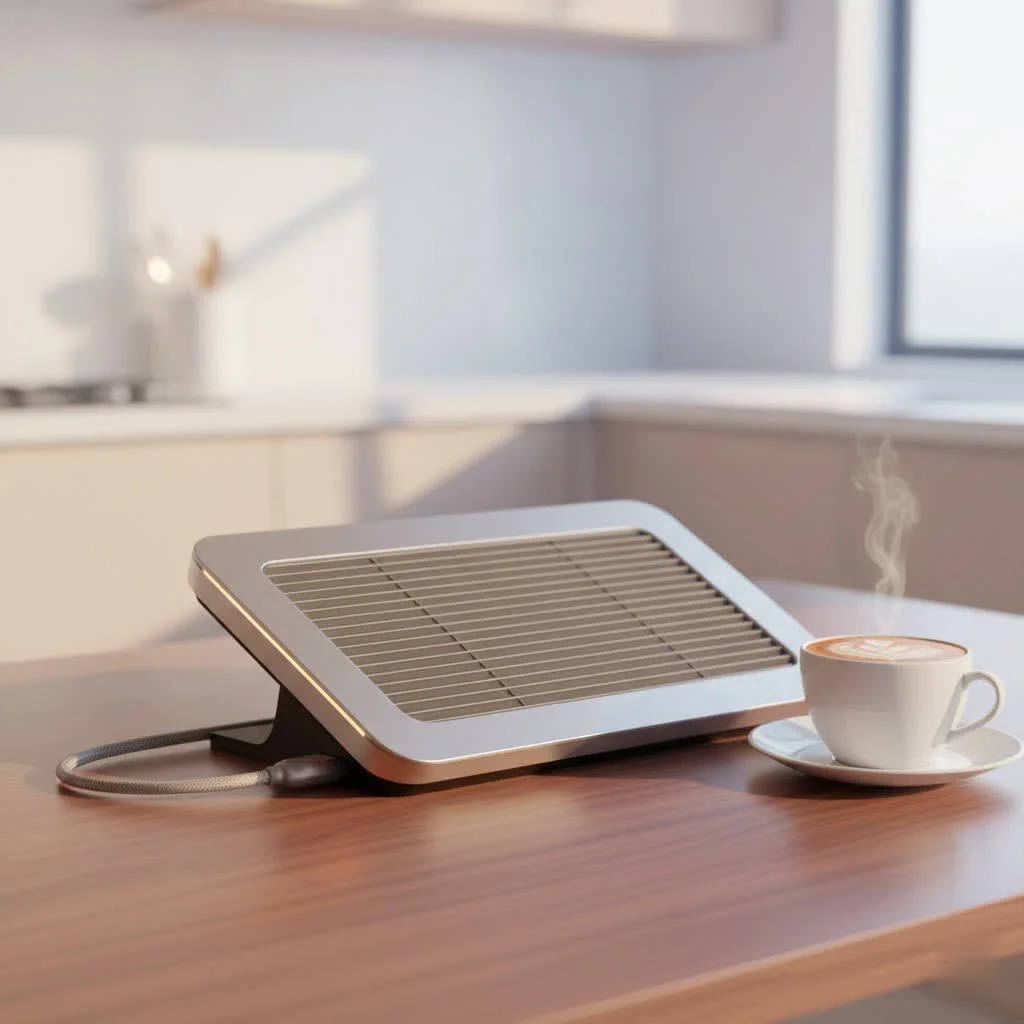
What Makes Thermaltake Laptop Coolers Stand Out?
Thermaltake has carved out a reputation for delivering robust and innovative cooling solutions, and their laptop coolers are no exception. They bring together a blend of powerful technology, thoughtful ergonomics, and smart features that set them apart in a crowded market. For more laptop cooling guides on this site.
Superior Cooling Technology
At the heart of every effective laptop cooler is its ability to move air efficiently. Thermaltake excels here, often integrating:
- Large, High-Performance Fans: Many Thermaltake models, like the popular Massive 20 RGB, feature a single, massive 200mm fan designed to push a significant volume of air across your laptop’s underside. Other designs utilize multiple smaller fans to target specific hotspots or provide a broader cooling effect. This focus on substantial airflow helps dissipate heat more effectively than passive solutions.
- Adjustable Fan Speed Control: Overheating isn’t a constant, and neither should your cooler’s fan speed be. Thermaltake understands this, providing adjustable fan speed controls—often a tactile knob or a digital interface—allowing you to dial in the perfect balance between cooling performance and noise levels. Need maximum cooling during a heavy gaming session? Crank it up! Just browsing? Keep it quiet.
- Innovative Designs for Targeted Cooling: Some advanced models, such as the Thermaltake Massive EXTREME, feature specialized designs like a “sealed chamber” with high-density memory foam. This ingenious approach helps concentrate active cooling on critical hotspots, significantly reducing your laptop’s temperature where it matters most.
Ergonomics and Design
A laptop cooler should do more than just cool; it should enhance your overall computing experience. Thermaltake integrates ergonomic principles into their designs:
- Adjustable Height Settings: Many Thermaltake laptop coolers come with multiple adjustable height settings, typically offering angles from 3° to 13°. This isn’t just about comfort; elevating your laptop improves airflow beneath it, allowing the cooler to work more efficiently. It also promotes better posture, reducing strain during long work or gaming sessions.
- Durable Build Quality: Constructed with sturdy materials, often featuring a metal mesh surface, Thermaltake coolers are built to last and provide a stable platform for your laptop.
- Sleek Aesthetics, Often with RGB Lighting: For many users, especially gamers, aesthetics matter. Thermaltake embraces this with sleek, modern designs, often incorporating vibrant RGB LED lighting with various modes (Wave, RGB Spectrum, Pulse, Blink, Full Lighted) that can be customized to match your setup.
Smart Features for Enhanced Control
|
Our Picks for the Best Laptop Cooler in 2026
As an Amazon Associate I earn from qualifying purchases.
|
||
| Num | Product | Action |
|---|---|---|
| 1 | KeiBn Laptop Cooling Pad, Gaming Laptop Cooler 2 Fans for 10-15.6 Inch Laptops, 5 Height Stands, 2 USB Ports (S039) |

|
| 2 | Laptop Cooling Pad, Gaming Laptop Cooler for 13-19 Inch Laptops, RGB Lights Laptop Fan Cooling Pad with 3 Height Adjustable and 3 USB Ports, 4.72 Inch Large Turbo Fan, Max 3500RPM |
|
| 3 | Kootek Laptop Cooling Pad, Laptop Cooler with 5 Quiet Fans for 12\"-17\" Computer PC Notebook Gaming Laptop Fan, Height Adjustable Laptop Cooling Stand Laptop Accessories, Blue |
|
| 4 | Laptop Cooling Pad, Laptop Cooler 6 Quiet Fans for 12\"-17\" Laptops, Gaming Laptop Fan Cooling Pad with 5 Height Adjustable, Slim Portable USB Powered, 2 USB Ports & Phone Holder |
|
| 5 | havit HV-F2056 15.6\"-17\" Laptop Cooler Cooling Pad - Slim Portable USB Powered (3 Fans), Black/Blue |
|
| 6 | llano V12 RGB Laptop Cooling Pad, Gaming Laptop Cooler with 5.5 Inch Powerful Turbofan, Fast Cooling Laptop 15.6-21in, Adjustable Speed, Touch Control, LCD Screen, Black (RGB) |
|
| 7 | Razer Laptop Cooling Pad: Adaptive Smart - Intelligent Fan Control - Airtight Pressure Chamber - Fits Most Laptops & Macbooks 14” to 18\" - Preset & Custom Fan Curves - 3 Port USB Type A - Chroma RGB |
|
| 8 | llano V12 Laptop Cooling Pad, Gaming Laptop Cooler Stand with 5.5inch Powerful Turbo Fan, Adjustable Speed, Touch Control, 3-Port USB A, for Fast Cooling Laptop 15.6-19in, Black (No RGB) |
|
| 9 | ChillCore Laptop Cooling Pad, RGB Lights Laptop Cooler 9 Fans for 15.6-19.3 Inch Laptops, Gaming Laptop Fan Cooling Pad with 8 Height Stands, 2 USB Ports - A21 Blue |
|
| 10 | AICHESON Laptop Cooling Pad 5 Fans Up to 17.3 Inch Heavy Notebook Cooler, Blue LED Lights, 2 USB Ports, S035, Blue-5fans |
|
Beyond core cooling, Thermaltake integrates intelligent features to give users more control and convenience:
- Temperature Sensors and Displays: Models like the Massive TM and Massive EXTREME take the guesswork out of thermal management by including built-in temperature sensors and digital displays. This allows you to monitor your laptop’s temperature in real-time and adjust fan speeds accordingly, ensuring optimal conditions.
- USB Passthrough Ports: Since most Thermaltake laptop coolers are conveniently USB-powered, many include additional USB passthrough ports. This means you won’t lose a valuable USB slot on your laptop just to power your cooler, maintaining your connectivity options.
- Multi-functional Panels: Some coolers feature multi-function display panels with buttons for fan control and lighting modes, offering an intuitive way to manage your cooling setup.
Deep Dive: Popular Thermaltake Laptop Cooler Series
Thermaltake offers a diverse range of laptop coolers, each designed with specific users and needs in mind. Let’s look at some of their standout series.
The Thermaltake Massive 20 RGB: A Giant Among Coolers
- What makes it unique? The Massive 20 RGB is a true behemoth in cooling, dominated by its single, ultra-quiet 200mm fan. This cooler also boasts extensive laptop compatibility, comfortably supporting systems up to 19 inches, making it a rare and excellent choice for larger gaming laptops. Its striking 256-color RGB LED strip, with five lighting modes, adds a significant aesthetic appeal.
- Ideal for: Users with large gaming laptops, those who prioritize powerful airflow over targeted hotspots, and anyone who wants to add a vibrant RGB flair to their battlestation.
Thermaltake Massive EXTREME: Engineered for Power Users
- Why choose it? The Massive EXTREME is built for peak performance, especially tailored for high-performance gaming and workstation laptops up to 18 inches. It features a strong 120mm cross-flow fan and a unique sealed chamber design that concentrates cooling on critical areas. With a scroll-wheel fan speed control allowing adjustments up to 3500 RPM and a built-in temperature sensor, this cooler offers precise thermal management for the most demanding tasks.
- Ideal for: Gamers, content creators, engineers, and anyone pushing their laptop to its limits, requiring aggressive and intelligent cooling.
Other Notable Thermaltake Models
Thermaltake’s “Massive” series is extensive, offering options for various preferences:
- Massive 12 Max: This high-performance cooler combines one 120mm fan with four 80mm LED fans, providing substantial airflow for laptops up to 17 inches, often with adjustable risers for ergonomic comfort.
- Massive TM: Known for its smart features, the Massive TM includes an adjustable temperature sensor and dual 120mm temperature-regulated fans, along with a multi-function display panel for comprehensive control.
- Massive Air: More than just a cooler, the Massive Air is a multi-functional notebook stand. It features flexible height and angle adjustments for optimal device placement, and even includes a built-in phone stand and a small drawer for added convenience and space utilization.
How to Choose the Right Thermaltake Laptop Cooler for Your Needs
Selecting the perfect Thermaltake laptop cooler requires a bit of thought about your specific setup and usage. Here’s what I, as a thermal engineer, would recommend considering:
Consider Your Laptop’s Size
- Why it matters: The physical dimensions of your laptop are paramount. A cooler too small won’t provide adequate support or cooling coverage, while one too large might be cumbersome.
- Actionable advice: Check the cooler’s specifications for maximum supported laptop size. For instance, the Massive 20 RGB can handle up to 19-inch laptops, while others might cap at 15 or 17 inches. Ensure there’s enough surface area for your laptop to sit securely and for the fans to align with its intake vents.
Identify Your Usage Scenario
- Gaming/Heavy Workloads: If your laptop frequently experiences high temperatures during intensive tasks like gaming, video editing, or CAD work, you’ll need a cooler with powerful fans and high airflow. Look for models like the Massive EXTREME with its high RPM cross-flow fan or the Massive 20 RGB for sheer air volume.
- Everyday Use/Ergonomics: For general browsing, office work, or media consumption, your primary focus might shift to ergonomic comfort and quiet operation. Models with multiple adjustable height settings and quieter fans, such as the Massive Air or Massive V20, would be excellent choices.
Fan Configuration and Airflow
- Single Large Fan vs. Multiple Smaller Fans: A single large fan, like the 200mm on the Massive 20 RGB, tends to move a vast amount of air at lower RPMs, often resulting in quieter operation. Multiple smaller fans, as seen in the Massive 12 Max, can sometimes target specific hotspots more precisely and may offer higher static pressure, though they could be slightly louder at max speed. Both approaches are effective for a Thermaltake laptop cooler; the best choice depends on your laptop’s vent placement and your noise tolerance.
Ergonomics and Portability
- Adjustability: Do you need different height and angle settings for typing and viewing comfort? Most Thermaltake coolers offer this, which also helps improve airflow.
- Portability: If you frequently travel with your laptop and cooler, consider lighter and more compact models. While most Thermaltake coolers are sturdy, some are more desk-bound due to their size.
Aesthetics and RGB
- Visual Appeal: If you’re building a gaming setup or just appreciate a visually appealing workspace, models like the Massive 20 RGB or Massive EXTREME with their customizable RGB lighting can be a great addition.
Budget Considerations
Thermaltake offers excellent options across various price points. Define your budget early and look for the best features within that range. Remember, investing in a good cooler now can save you from costly repairs or premature laptop upgrades down the line.
Maximizing Performance: Tips for Using Your Thermaltake Laptop Cooler
Having the best Thermaltake laptop cooler is only half the battle; knowing how to use it effectively is key to unlocking its full potential.
- Proper Placement is Paramount: Ensure your laptop is centered on the cooling pad, and critically, that your laptop’s intake vents align as closely as possible with the cooler’s fans. This directs the airflow precisely where it’s needed most.
- Cleanliness is Key: Dust is the arch-nemesis of cooling. Regularly use compressed air to clear dust from both your laptop’s vents and the Thermaltake cooler’s fans and mesh. For models like the Massive EXTREME, removable and washable bottom filters make maintenance even easier. A clean system ensures unrestricted airflow.
- Optimize Fan Speed for the Task: Don’t always run your cooler at maximum speed. For light tasks, a lower, quieter setting is sufficient. When gaming or performing intensive work, crank up the fan speed to aggressively dissipate heat. Use models with temperature sensors (like Massive TM or Massive EXTREME) to guide your adjustments.
- Complement with Laptop Settings: Combine your physical cooler with software optimizations. Adjust your laptop’s power management settings to a “balanced” or “performance” mode when needed, but also be mindful of background processes that can generate unnecessary heat.
- Consider Your Environment: While a cooler works wonders, it can’t defy physics. Using your laptop in a cooler room will always yield better thermal performance than in a hot environment. Ensure good room ventilation.
Expert Insights on Thermaltake Laptop Coolers
“As a thermal engineer, I’ve seen countless cooling solutions, and Thermaltake’s commitment to large, efficient fans and thoughtful ergonomic design really sets them apart in the laptop cooler market. Their Massive 20 RGB, for example, is a testament to blending performance with user experience,” says Anya Sharma, Lead Thermal Design Engineer. “For power users, the targeted cooling of the Massive EXTREME, with its sealed chamber, is a game-changer for maintaining stable temperatures under heavy load.”
Common Questions About Thermaltake Laptop Coolers (FAQ)
Q: How much will a Thermaltake laptop cooler reduce my laptop’s temperature?
A: While specific results vary greatly depending on your laptop model, its existing thermal solution, and the cooler model, users often report a noticeable temperature drop of 5-15°C, especially under heavy load. For instance, the Thermaltake Massive23 ST was shown to reduce CPU temperatures by approximately 15% under load.
Q: Are Thermaltake cooling pads noisy?
A: Most Thermaltake coolers are designed with quiet operation in mind, especially at normal fan speeds. However, when operating at higher speeds or in “turbo mode” (if available), fan noise will naturally increase. Generally, the sound remains within acceptable limits and blends with the laptop’s internal fan noise.
Q: Can I use a Thermaltake laptop cooler with a Mac?
A: Yes, Thermaltake laptop coolers are largely platform-agnostic. As long as your MacBook fits physically on the cooler and has an available USB port to provide power, it will function effectively.
Q: How do I clean my Thermaltake cooling pad?
A: Regular cleaning is essential for optimal performance. Use compressed air to blow dust out of the fan blades and the cooler’s mesh surface. Some advanced models, like the Massive EXTREME, even feature removable and washable bottom filters for easier maintenance.
Q: What’s the difference between a single large fan and multiple smaller fans on a Thermaltake cooler?
A: A single large fan, such as the 200mm fan on the Massive 20 RGB, is excellent for moving a high volume of air quietly across a wide area. Multiple smaller fans can be more effective at targeting specific hot spots on your laptop’s underside and might offer higher static pressure. Both configurations are effective for a Thermaltake laptop cooler, with the best choice depending on your laptop’s vent placement and your cooling priorities.
Conclusion
Heat is an undeniable challenge for modern laptops, impacting everything from performance and stability to the lifespan of your components. Investing in a Thermaltake laptop cooler isn’t just about reducing temperatures; it’s about safeguarding your investment, enhancing your productivity, and ensuring a more comfortable computing experience. With their blend of powerful cooling technology, ergonomic designs, and smart features, Thermaltake offers a reliable solution for every user. By understanding the different models and applying these practical tips, you can confidently choose and optimize a Thermaltake laptop cooler, keeping your system cool, efficient, and ready for whatever you throw at it. Keep your cool, and your laptop will thank you for it!
Get our weekly buyer guide
Practical specs, not advice. Unsubscribe anytime.
