Is your ASUS laptop feeling the heat? You’re not alone. Many laptop users, especially those with powerful ASUS gaming or workstation models, eventually encounter the frustrating reality of overheating. That blazing performance, while incredible, generates a significant amount of heat. When left unchecked, this can lead to throttling, reduced lifespan, and an uncomfortable user experience. But don’t sweat it! As a thermal engineer with over a decade of experience, I’m here to guide you through the world of cooling solutions for your ASUS laptop, helping you keep it cool, quiet, and performing at its peak. Choosing the right Cooler Laptop Asus can make all the difference.
Understanding Heat: Why Your ASUS Laptop Gets Hot
At its core, a laptop generates heat because its components, primarily the Central Processing Unit (CPU) and Graphics Processing Unit (GPU), are working hard. These silicon brains perform millions of calculations per second, and that energy transfer inevitably produces heat. Modern ASUS laptops, particularly the Republic of Gamers (ROG) series, come equipped with impressive internal cooling technologies designed to manage this.
For instance, ASUS ROG Intelligent Cooling systems often feature advanced solutions like liquid metal thermal compounds, multiple heat pipes, vapor chambers, and incredibly thin copper fins (as slim as 0.1mm) to maximize heat dissipation. Many high-end ROG models even boast sophisticated tri-fan designs and the Active Aerodynamic System Plus (AAS+) which opens up additional air intakes to boost airflow. These innovations are engineered to push cooling performance to its limits, helping your ASUS laptop maintain stable temperatures during intense gaming or demanding creative tasks.
However, even with these cutting-edge internal designs, external factors and sustained heavy workloads can push your laptop’s thermal limits. This is where an external cooler laptop ASUS becomes an invaluable ally.
Types of Laptop Coolers for ASUS Devices
When considering an external cooling solution for your ASUS laptop, you’ll generally encounter a few main types, each with its own approach to combating heat.
Cooling Pads (Fan-based)
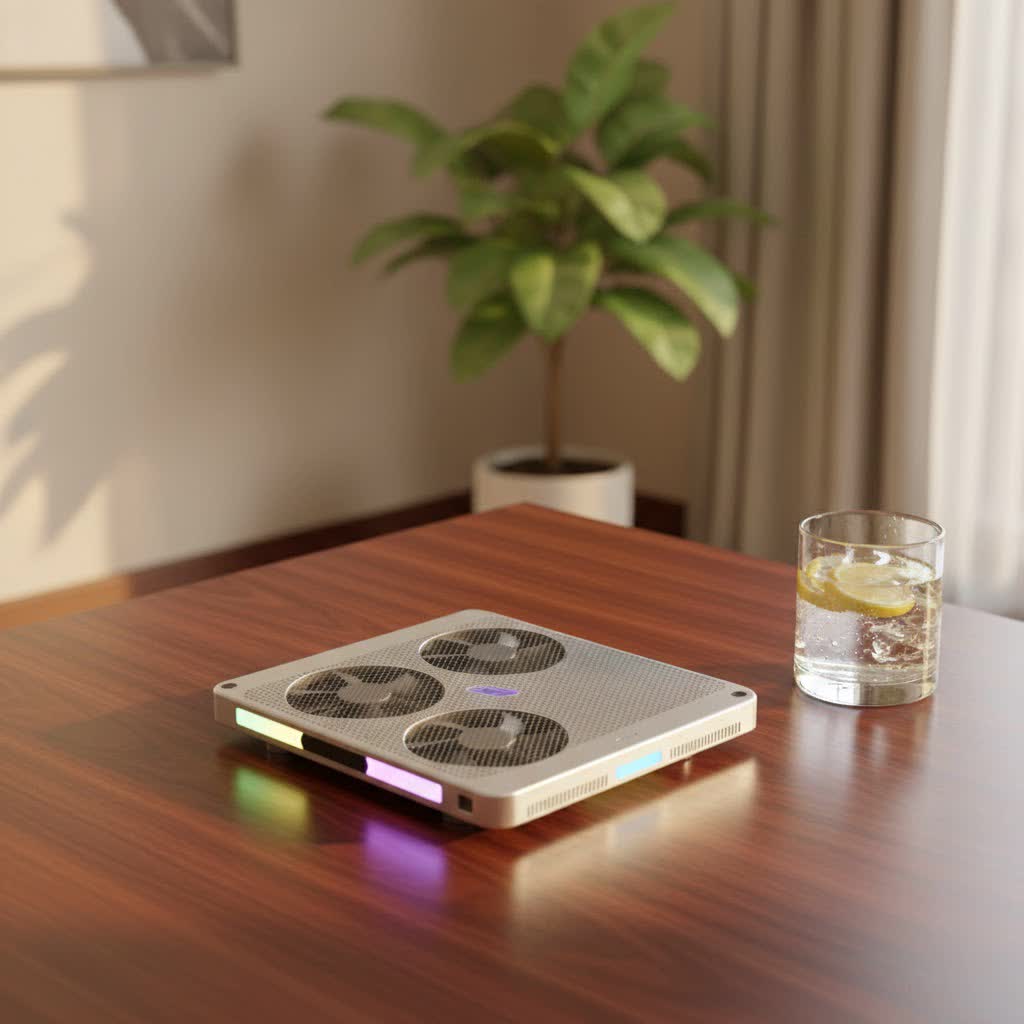
These are the most common and widely recognized type of laptop cooler. A cooling pad sits directly beneath your ASUS laptop, lifting it slightly to create better airflow and using built-in fans to actively push cool air upwards into the laptop’s intake vents.
- Multi-Fan vs. Single Large Fan: Some pads feature several smaller fans, while others employ one or two large fans. Larger fans often move more air at lower RPMs, potentially resulting in quieter operation. Multiple smaller fans can target specific hotspots more effectively.
- Features to Look For: Many cooling pads offer adjustable height settings, which not only improves ergonomics for typing and viewing but also enhances airflow by creating a larger gap between the laptop and the surface. You’ll also find models with integrated USB hubs, which are handy for regaining ports used by the cooler, and even customizable RGB lighting to match your gaming setup.
|
Our Picks for the Best Laptop Cooler in 2026
As an Amazon Associate I earn from qualifying purchases.
|
||
| Num | Product | Action |
|---|---|---|
| 1 | Laptop Cooling Pad, Gaming Laptop Cooler for 13-19 Inch Laptops, RGB Lights Laptop Fan Cooling Pad with 3 Height Adjustable and 3 USB Ports, 4.72 Inch Large Turbo Fan, Max 3500RPM |

|
| 2 | ChillCore Laptop Cooling Pad, RGB Lights Laptop Cooler 9 Fans for 15.6-19.3 Inch Laptops, Gaming Laptop Fan Cooling Pad with 8 Height Stands, 2 USB Ports - A21 Blue |
|
| 3 | Kootek Laptop Cooling Pad, Laptop Cooler with 5 Quiet Fans for 12\"-17\" Computer PC Notebook Gaming Laptop Fan, Height Adjustable Laptop Cooling Stand Laptop Accessories, Blue |
|
| 4 | AICHESON Laptop Cooling Pad 5 Fans Up to 17.3 Inch Heavy Notebook Cooler, Blue LED Lights, 2 USB Ports, S035, Blue-5fans |
|
| 5 | Laptop Cooling Pad, Laptop Cooler 6 Quiet Fans for 12\"-17\" Laptops, Gaming Laptop Fan Cooling Pad with 5 Height Adjustable, Slim Portable USB Powered, 2 USB Ports & Phone Holder |
|
| 6 | llano V12 RGB Laptop Cooling Pad, Gaming Laptop Cooler with 5.5 Inch Powerful Turbofan, Fast Cooling Laptop 15.6-21in, Adjustable Speed, Touch Control, LCD Screen, Black (RGB) |
|
| 7 | KeiBn Laptop Cooling Pad, Gaming Laptop Cooler 2 Fans for 10-15.6 Inch Laptops, 5 Height Stands, 2 USB Ports (S039) |
|
| 8 | Razer Laptop Cooling Pad: Adaptive Smart - Intelligent Fan Control - Airtight Pressure Chamber - Fits Most Laptops & Macbooks 14” to 18\" - Preset & Custom Fan Curves - 3 Port USB Type A - Chroma RGB |
|
| 9 | havit HV-F2056 15.6\"-17\" Laptop Cooler Cooling Pad - Slim Portable USB Powered (3 Fans), Black/Blue |
|
| 10 | llano V12 Laptop Cooling Pad, Gaming Laptop Cooler Stand with 5.5inch Powerful Turbo Fan, Adjustable Speed, Touch Control, 3-Port USB A, for Fast Cooling Laptop 15.6-19in, Black (No RGB) |
|
Vacuum Coolers (Blower/Exhaust-based)
Unlike cooling pads that push air in, vacuum coolers, often called laptop exhaust fans or blower coolers, attach to your laptop’s exhaust vents and actively pull hot air out of the system. This creates a negative pressure inside the laptop, drawing in more cool air through the intake vents. They are particularly effective for laptops with easily accessible side or rear exhaust vents.
Passive Stands
While not “coolers” in the active sense, passive stands are still a vital part of effective thermal management. These stands simply elevate your ASUS laptop off the desk, improving natural convection by allowing air to circulate freely beneath the device. This alone can significantly reduce temperatures compared to using the laptop on a flat surface or, worse, a soft one like a bed or lap.
Choosing the Right Cooler for Your ASUS Laptop
Selecting the perfect cooler laptop ASUS involves a blend of understanding your specific needs and the features available. It’s about finding that sweet spot between performance, practicality, and personal preference.
Laptop Size and Compatibility
This is paramount. Ensure the cooling pad or stand you choose is compatible with your ASUS laptop’s size. Most coolers are designed for 14-inch to 17-inch laptops, but some robust models can accommodate larger 19-inch gaming machines. The cooler should provide a stable platform and not obstruct any of your laptop’s ports or vents.
Cooling Power Needs
Consider how you use your ASUS laptop.
- Casual Use (Browsing, Office Work): A simple passive stand or a basic cooling pad with moderate airflow might suffice to keep things comfortable and extend battery life.
- Intense Gaming or Professional Work (Video Editing, 3D Rendering): For these demanding tasks that push your CPU and GPU to their limits, you’ll need a powerful cooling solution. Look for pads with high-RPM fans, multiple fans, or vacuum coolers known for significant temperature drops. Some studies show that effective cooling pads can reduce laptop temperatures by 10-15°C under heavy load.
Ergonomics and Portability
If you frequently move your ASUS laptop, portability is key. Slim, lightweight cooling pads that easily fit into a backpack are ideal. For desk-bound setups, a larger, more robust cooler with extensive height and angle adjustments can offer superior ergonomics, reducing strain on your neck and wrists.
Noise Levels
Powerful fans often mean more noise. While some users prioritize maximum cooling over quiet operation, others prefer a balance. Many manufacturers now focus on designing fans that move a significant amount of air while keeping noise levels in check. If you work in quiet environments or stream, a quieter model is a must.
Extra Features
- USB Pass-through Ports: Many cooling pads draw power from a laptop’s USB port. Look for models with pass-through ports or even a built-in USB hub so you don’t lose connectivity.
- RGB Lighting: For gaming enthusiasts, customizable RGB lighting can add a stylish flair to your setup.
- Dust Filters: Some advanced coolers include removable dust filters, helping to keep both the cooler and your laptop’s internals cleaner.
“Finding the right cooler laptop ASUS is like choosing the perfect pair of shoes for a marathon – it needs to support performance and comfort without adding unnecessary strain,” advises Elias Vance, a leading thermal design specialist. “It’s a balance of power, design, and how it integrates into your daily workflow.”
Top Cooler Recommendations for ASUS Laptops
While specific model availability can vary, several brands and designs consistently deliver excellent results for ASUS laptops.
Best Overall Performance
For those seeking maximum temperature reduction for their high-performance ASUS gaming laptops, models like the Llano V12 or the IETS GT series (e.g., GT300, GT500, GT600 V2) are often highly rated. These coolers typically feature powerful, high-RPM fans, often with unique sealing designs (like magnetic foam seals) to direct airflow precisely into your laptop’s intake vents, achieving significant temperature drops. They are particularly popular among ROG users.
Best for Portability
If you’re always on the move, a slim and lightweight option like the Cooler Master NotePal X-Slim or certain Havit Laptop Cooling Pads are excellent choices. These models are designed to be easily carried in a laptop bag, providing an essential boost in cooling without adding bulk. They often feature a single large fan for quiet, efficient airflow.
Best Budget-Friendly Options
For effective cooling without breaking the bank, pads like the Kootek Cooler Pad Chill Mat 5 or the Tecknet Laptop Cooling Pad offer solid performance. They usually come with multiple fan settings, adjustable heights, and provide a noticeable improvement in thermal management for everyday use and moderate workloads.
Remember, while these are general recommendations, always check the specific dimensions and power requirements to ensure they are the best cooler laptop ASUS for your particular model.
Beyond the Cooler: Optimizing Your ASUS Laptop’s Thermal Performance
An external cooler is a powerful tool, but it’s just one part of a comprehensive thermal management strategy for your ASUS laptop. To truly master your machine’s thermals, consider these crucial steps:
Environmental Factors
- Hard, Flat Surfaces: Always use your ASUS laptop on a hard, flat surface like a desk or table. Soft surfaces such as blankets, pillows, or your lap can severely block intake vents, trapping heat and forcing your laptop’s internal fans to work overtime.
- Clear Vents: Ensure that all ventilation holes are unobstructed. Maintain a clear space around your laptop’s exhaust vents to allow hot air to escape efficiently.
- Ambient Temperature: Operate your ASUS laptop within a reasonable ambient temperature range, typically between 5°C and 35°C (41°F to 95°F). Very hot rooms will inherently make cooling more challenging.
Software Management
- Close Background Applications: Unnecessary programs running in the background consume CPU and RAM resources, generating extra heat. Use Task Manager (Ctrl + Shift + Esc) to close programs you’re not actively using.
- Optimize Game Settings: For gaming, adjust graphics settings to match your ASUS laptop’s capabilities. Running games on ultra-high settings can push your CPU and GPU to their absolute limits, leading to higher temperatures.
- Keep Drivers Updated: Ensure your graphics drivers and system software are up to date. Manufacturers often release updates that improve system efficiency and thermal management.
Hardware Maintenance
- Regular Cleaning: Over time, dust and lint accumulate inside your laptop, clogging vents and fan blades. This significantly reduces airflow efficiency. While ASUS advises caution with self-cleaning using powerful air compressors for deep cleaning, regularly using compressed air (canned air) on the external vents can help. For internal cleaning and thermal paste replacement, it’s best to consult a professional or an authorized ASUS service center. Reapplying thermal paste, especially after a few years, can dramatically improve heat transfer from your CPU and GPU to the heatsink.
- Check Fan Functionality: Ensure your laptop’s internal fans are spinning correctly and not making unusual noises. A failing fan will severely impact cooling.
Frequently Asked Questions (FAQ)
Do ASUS gaming laptops really need a cooler?
While ASUS gaming laptops feature advanced internal cooling, an external cooler laptop ASUS can significantly enhance performance and extend the lifespan of your device, especially during prolonged, intense gaming sessions or demanding tasks. It helps to maintain lower temperatures, preventing thermal throttling and ensuring consistent performance.
How much can a laptop cooler reduce temperatures?
The temperature reduction varies based on the cooler’s design, fan power, and the specific laptop model. However, high-performance cooling pads can reduce CPU and GPU temperatures by 5°C to 15°C (9°F to 27°F) or even more in some cases, which is a substantial improvement.
Can a laptop cooler damage my ASUS laptop?
No, a well-designed laptop cooler should not damage your ASUS laptop. In fact, it helps prevent potential heat-related damage by maintaining lower operating temperatures. Ensure the cooler provides stable support and doesn’t block any essential ports.
How often should I clean my ASUS laptop’s vents?
It’s a good practice to clean your ASUS laptop’s external vents with compressed air every 2-3 months, or more frequently if you use it in dusty environments. For a thorough internal cleaning and thermal paste replacement, consider professional service every 1-2 years.
What’s the difference between a cooling pad and a vacuum cooler?
A cooling pad uses fans to push cool air into your laptop’s intake vents from below. A vacuum cooler, on the other hand, attaches to your laptop’s exhaust vents and pulls hot air out, creating a negative pressure to enhance internal airflow. Both aim to reduce temperatures but use different methods.
Keeping Your Cool, The ASUS Way
Maintaining optimal temperatures is crucial for the longevity and peak performance of your ASUS laptop. Whether you’re a hardcore gamer, a creative professional, or someone who simply wants a more comfortable computing experience, investing in a quality cooler laptop ASUS is a smart move. By combining the right external cooling solution with good habits and regular maintenance, you’ll ensure your ASUS machine stays cool under pressure, allowing you to maximize its power for years to come. Don’t let heat hold you back; empower your ASUS laptop to reach its full potential!
